Authentication Protection
- Required multi-factor authentication on every account
- Face ID / Touch ID supported, with biometric data staying on your device
- Session expiry and breach-aware password protections

Security & Privacy
When we built Loftd, we started with a simple truth: your financial data is deeply personal. So we designed the product, the infrastructure, and the business model around protecting it—not monetizing it.
Every line of Loftd is written with the assumption that your data is sacred. We have built protections at every layer—how you sign in, how data moves, where it is stored, and who on our team can ever see it.
And our business model is straightforward: you pay us a subscription. Your information is never the product, never the inventory, and never for sale.
— The Loftd team
The layers of defense that keep Loftd locked down—designed so a single mistake never becomes a single point of failure.
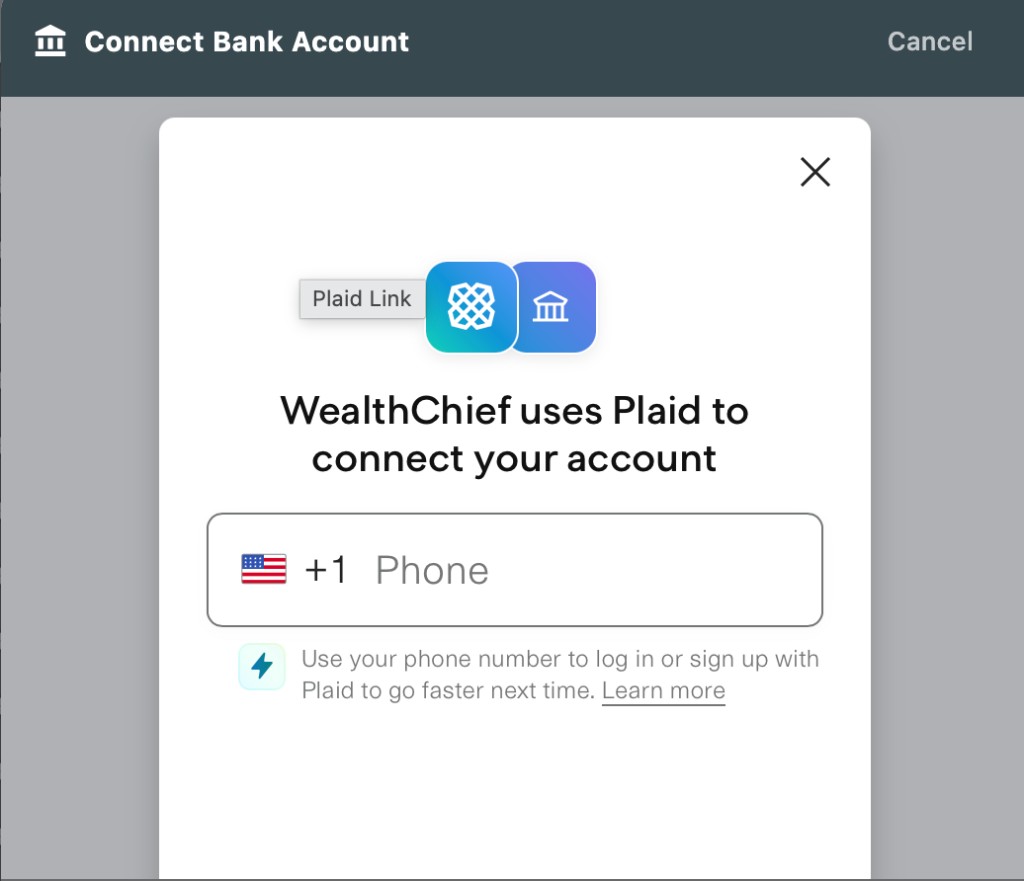
We use Plaid for every bank connection—the same secure layer trusted by thousands of finance apps and millions of people every day. When you link an account, you authenticate directly with your bank inside Plaid’s flow. Loftd never sees or stores your bank credentials.
Powered by Anthropic, Loftd AI organizes your money the way a great accountant would—categorizing transactions, surfacing what matters, and answering the questions you used to put off. The busywork is taken care of, on call whenever you need it.
See our Subprocessors page for the full vendor list, and our Privacy Policy for the legal detail.
You own your data, end to end. Here is what we do with it, what we never do, and how you stay in charge.
Download your transactions, budgets, and financial data from Settings in a readable format whenever you want.
Drop any linked institution from Settings and access is revoked instantly through Plaid. If a bank asks you to re-authenticate, a one-tap “Reconnect” flow refreshes the connection without disturbing your existing transactions, categories, or balance history.
Settings → Account → Delete Account removes every trace—transactions, budgets, goals, bank links—within 30 days.
For the full legal detail of how we handle your data, read the Privacy Policy.
We welcome reports from security researchers and treat every one seriously. If you have found a vulnerability, email security@loftd.app with steps to reproduce.
No. Our access is strictly read-only through Plaid. We can see your accounts to inform you, and that is it. Transfers, payments, or any kind of money movement are never possible from Loftd.
No. You authenticate directly with your bank inside Plaid’s secure flow. Loftd never receives, sees, or stores your bank username or password.
All data is encrypted with AES-256 at rest and TLS in transit. Database access is locked down with row-level security on Supabase, multi-factor authentication is required for our team, and every access to customer data is logged and audited.
Our key partners—Plaid for bank connections, Anthropic for AI, and Supabase for infrastructure—operate to industry-leading standards (SOC 2, audited security controls, strict access management). The complete list lives on our Subprocessors page.
Loftd uses Anthropic. Only the minimum data needed for the specific request is sent, Anthropic does not train on your data, and any processed data is deleted within 30 days. Detail is in our Privacy Policy.
Dictation is optional—you can always type instead. When you tap the microphone, your device asks permission once, then streams audio directly to our transcription partner Deepgram over an encrypted connection. The resulting text is what comes back to Loftd and gets sent on to the CFO exactly as if you had typed it. Loftd never records or stores the audio. Deepgram is contractually barred from using it to train their models and deletes any processed audio within 30 days.
Each account has a comfortable monthly allowance for AI conversations and voice dictation—enough for ordinary household use with plenty of headroom. The profile sheet shows you how much you have used and when the allowance refreshes. The rest of Loftd (dashboards, charts, budgets, Plaid connections, exports, and your historical data) keeps working regardless of where you are in your allowance.
Settings → Help & Support
Loftd is a personal-finance software tool—not a registered investment adviser, broker, accountant, or financial planner. Nothing in the Loftd app or on this website is financial, investment, legal, or tax advice. AI-generated insights are informational only and may contain errors. Past performance and projected scenarios do not guarantee future results.